From a Strava activity to a video
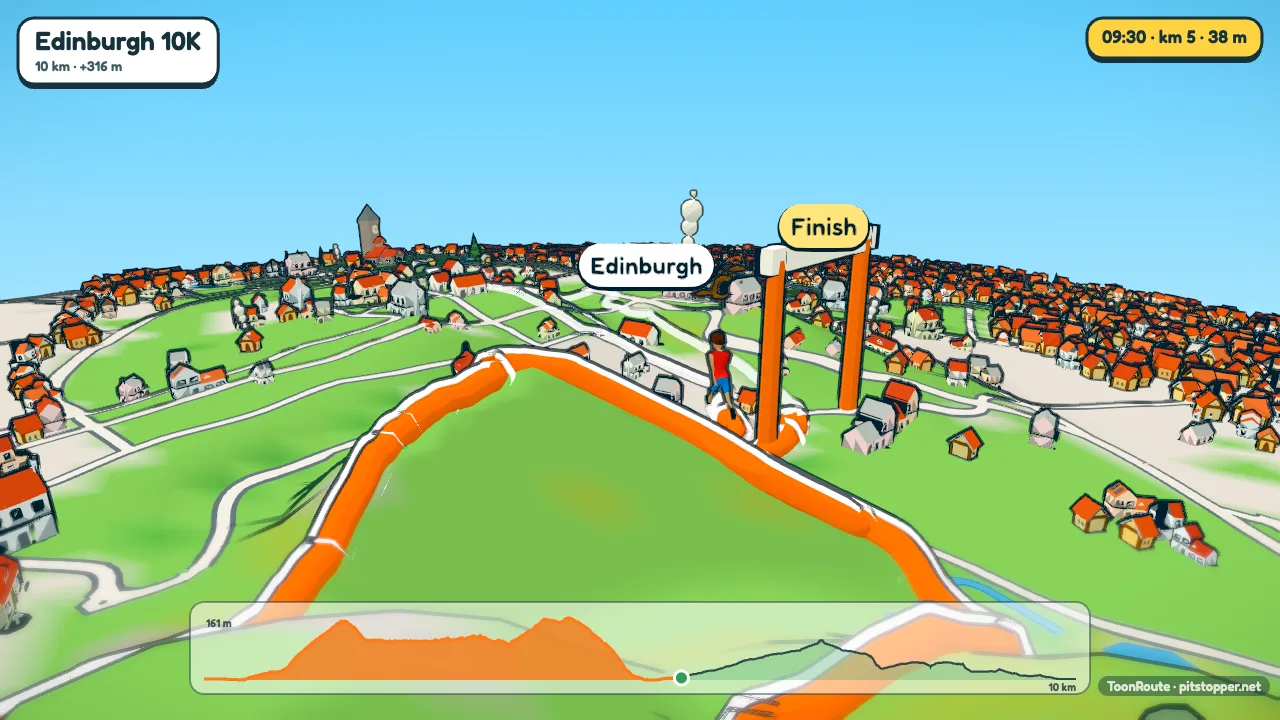
Strava shows your ride as a line on a map. ToonRoute shows it as a film: a cartoon of the country you went through, built from its real hills, roads and towns, with a character riding your route. You bring the activity as a GPX file, and that takes a minute.
This is not something Strava does, and ToonRoute is not connected with Strava. It works with the file Strava lets you download of your own activity.
Getting the GPX out of Strava
Strava's help says exporting is only on its website, not in the app. On the website:
- Open the activity from your feed or your profile.
- Press the three dots (the More menu) on the activity page.
- Choose Export GPX. A .gpx file downloads.
The same menu has Export Original, which gives you the file as it was uploaded, often a FIT file from a Garmin or Wahoo. ToonRoute reads that too. Either way it has to be one of your own activities: Strava offers the export on those.
If you recorded on a Garmin, Wahoo or another device, you can also take the file from there. The GPX guide has the steps for each.
Making the video
- Open ToonRoute and choose Use my route file. Pick the GPX or FIT file. The world builds in your browser, which takes longer for a long ride.
- Pick a character and a look. The cyclist is the default; a runner can be the walker, who breaks into a jog above 7.5 km/h.
- Use your own pace. A Strava activity has times in it, so in Character choose Speed: As recorded in the file. Your café stop is kept short so the video does not stand still.
- Light it by the day. Choose the Ride's clock look and the light follows the time of day you rode, from the first pedal stroke. Use the day's weather looks up the real weather for that day and place.
- Make the video at 720p, 1080p or 4K, 16:9 for YouTube or 9:16 for Reels and Stories. Download it from the page when it is done.
What you get
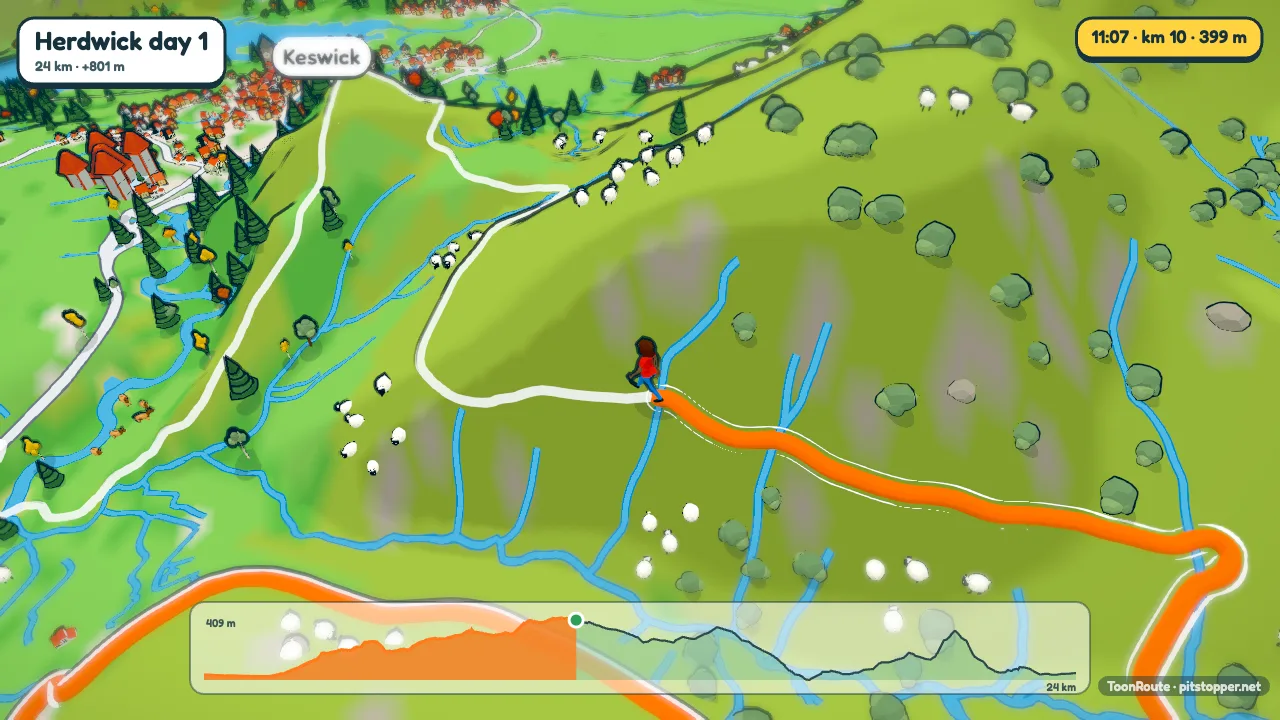
Every climb on the ride gets a banner with its length, gradient and height gained, and a known climb is named. The camera films climbs from the side and saves a few special shots for the top of the ride or the road reaching the sea. The elevation chart fills in along the bottom, and the video ends on a card with the distance, the climbing and the time. On Auto it lasts about 1.6 seconds a kilometre: a 60 km ride is about a minute and a half.
Tips
- The video starts where the file starts. If that is your front door, think about who will see it before you post it.
- A Strava GPX of a recorded activity has no waypoints, so there are no signs to begin with. Add the café: pause the preview there and press Add sign post in Track.
- The video comes back as an MP4 you can post on Instagram, YouTube or anywhere else that takes video.
Strava is a trademark of its owner. ToonRoute is made by PitStopper and is not connected with Strava.
Questions
Is this a Strava feature?
No. ToonRoute is a separate service and is not connected with Strava. It does not link to your Strava account: you export a file from Strava and bring it to ToonRoute yourself.
Can I export from the Strava app?
Not according to Strava's help, which says exporting is only on the Strava website. Do it there, then bring the file to ToonRoute.
Can I make a video of a friend's ride?
Strava offers the export on your own activities. Ask your friend for the file, or for a ride you did together, use your own.
Will my heart rate or power be in the video?
No. The readout shows the time, the distance, the height and the speed. ToonRoute is about the route, not the numbers from your sensors.
Is it free?
During the beta, yes: one at a time and up to six a day, at any size. After the beta a video will cost a small amount. The pricing page has the details.
Use my route file Create a route
Other guides
- Turn a GPX file into a video
- A fly-through of your bike ride
- A video of your hike or walk
- A running route video
- Tall videos for Reels and TikTok
- A flight path animation
- A route video for your event
- A cartoon video of your road trip
- A Tour de France stage as a cartoon
- A fly-through of a famous climb
- ToonRoute and Relive compared
- Everything ToonRoute does