A running route video
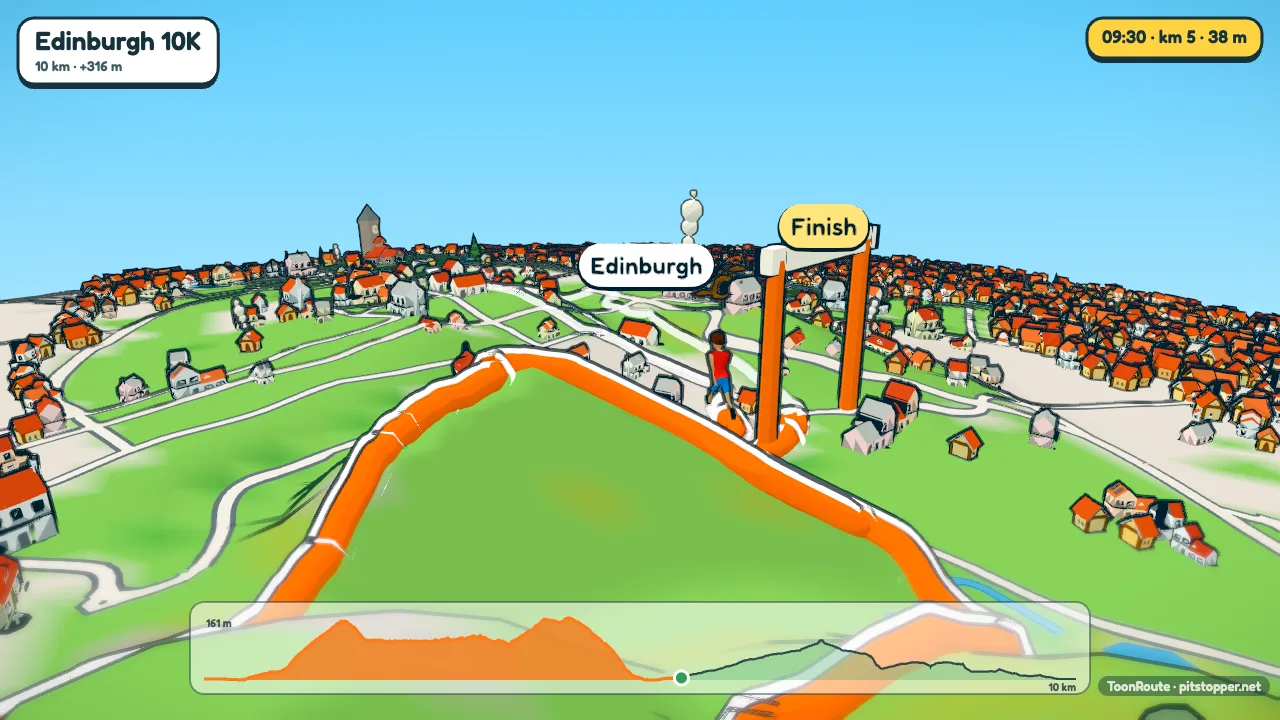
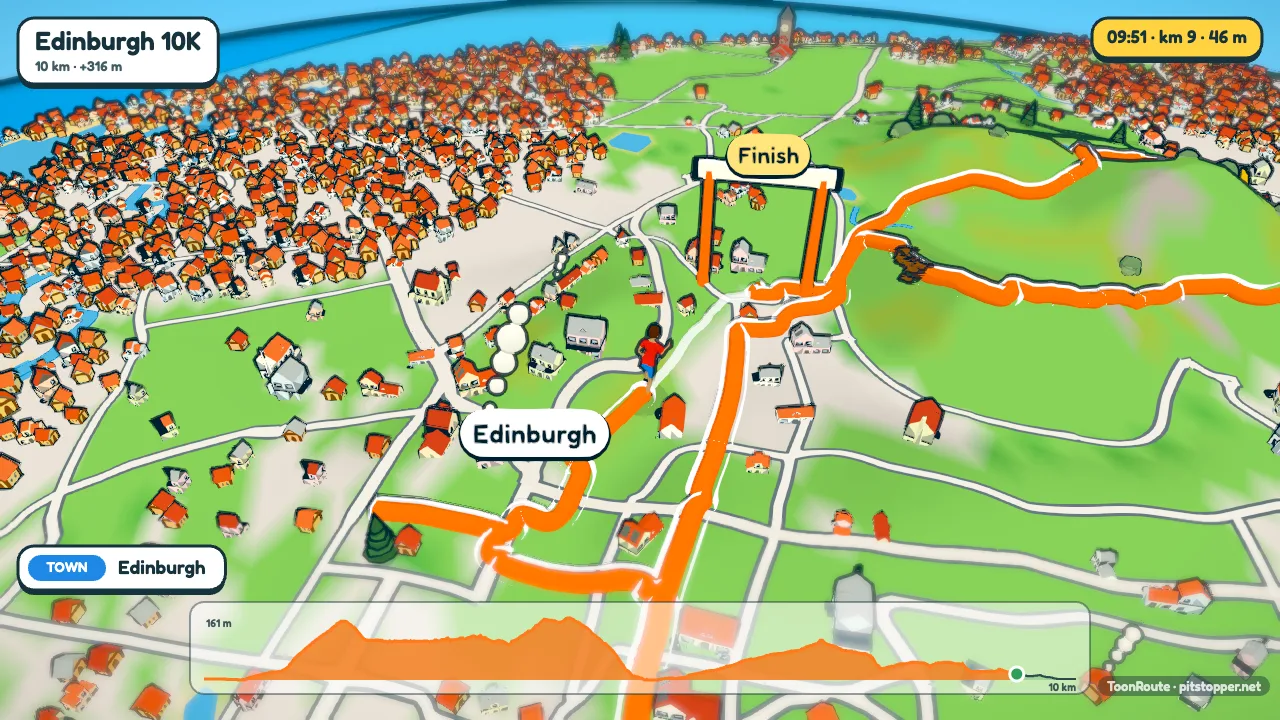
Your watch knows exactly where you went and how fast. ToonRoute turns that file into a short cartoon film of the run: the figure jogging the course through a little model of the town or the hills, with the climbs and the finish.
Your pace, or a steady one
Use the Runner character for a run. With speed set to As recorded in the file, the runner goes at your real pace all the way round, faster on the downhill and slower up the hills, and breaks into a sprint whenever you were going above 13.5 km/h. If the file has no times, or you would rather not show them, choose Steady speed and set the km/h. For a run with a lot of walking in it, the Walker suits better: it walks, and jogs above 7.5 km/h.
The readout in the corner shows the time, distance, height and speed as you go. Speed is in km/h rather than minutes per kilometre, and distances are in kilometres.
Step by step
- Export the run from Garmin Connect, Strava, Coros or Suunto, as FIT or GPX.
- Load it in ToonRoute with Use my route file.
- In Character, choose Runner, a figure and colours (your club vest, perhaps), and set speed to As recorded in the file.
- Turn on the ride's clock in Landscape, and an early start looks like an early start.
- Set the title in On screen: the race name and your time read well on the opening card.
- Make the video, wide for YouTube or tall for your phone.
For races
Most races publish the course as a GPX file. Load that before the day and you have a fly-through of the course to learn the hills from, or to share with the club. After the race, load your own file for the real thing.
A marathon is 42 km, and Auto gives about 1.6 seconds a kilometre with a minute at least, so the video is a little over a minute. For a 10 km or a parkrun it is a minute. Choose a longer length in Video if you want to linger.
Tips
- A track run of laps draws as one thick loop. ToonRoute is best on runs that go somewhere.
- Drink stations from a race GPX come through as signs. Turn off Pause at stops in Track so the figure does not stop at every one.
- The Follow camera stays just behind and above the runner, good for a town centre course with lots of turns.
Questions
Can it show my pace per kilometre?
Not yet. The readout shows speed in km/h, and the figure goes at your real pace if you use As recorded.
Will a parkrun look any good?
A 5 km route is small, so the world is small too: a park and the streets around it. It works, and the video is a minute long.
Can I show a race course before I run it?
Yes. Load the GPX the organisers publish. It has no times, so choose Steady speed and set your target pace in km/h.
Does it work with trail runs?
Yes, and they usually have more to look at than a road race. Hills can be drawn true to life or taller.
Use my route file Create a route
Other guides
- Turn a GPX file into a video
- A fly-through of your bike ride
- A video of your hike or walk
- Tall videos for Reels and TikTok
- A flight path animation
- A route video for your event
- A cartoon video of your road trip
- A Tour de France stage as a cartoon
- A fly-through of a famous climb
- From a Strava activity to a video
- ToonRoute and Relive compared
- Everything ToonRoute does