The Walker preset
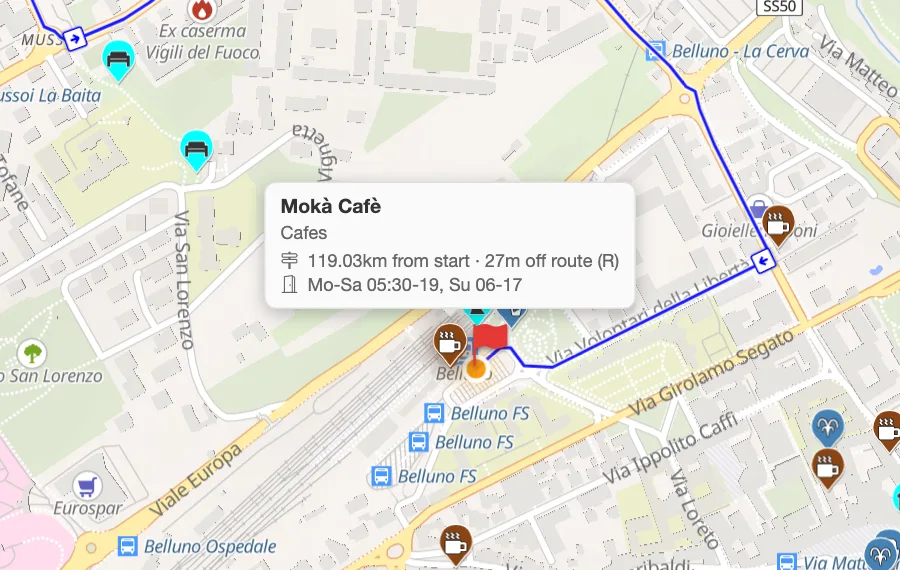
One tap ticks drinking water, springs and taps, pubs and cafes, toilets, benches, viewpoints, picnic sites and shelters.
More in the helpPitStopper for walkers and hikers
A long walk is planned around its gaps: the next water, the next shop, somewhere dry to sit out a shower. Load your route and PitStopper lists what is within reach of the path, and flags the stretches where there is nothing.
It works from the GPX you already have, or you can plan the walk here on foot-friendly paths and tracks.
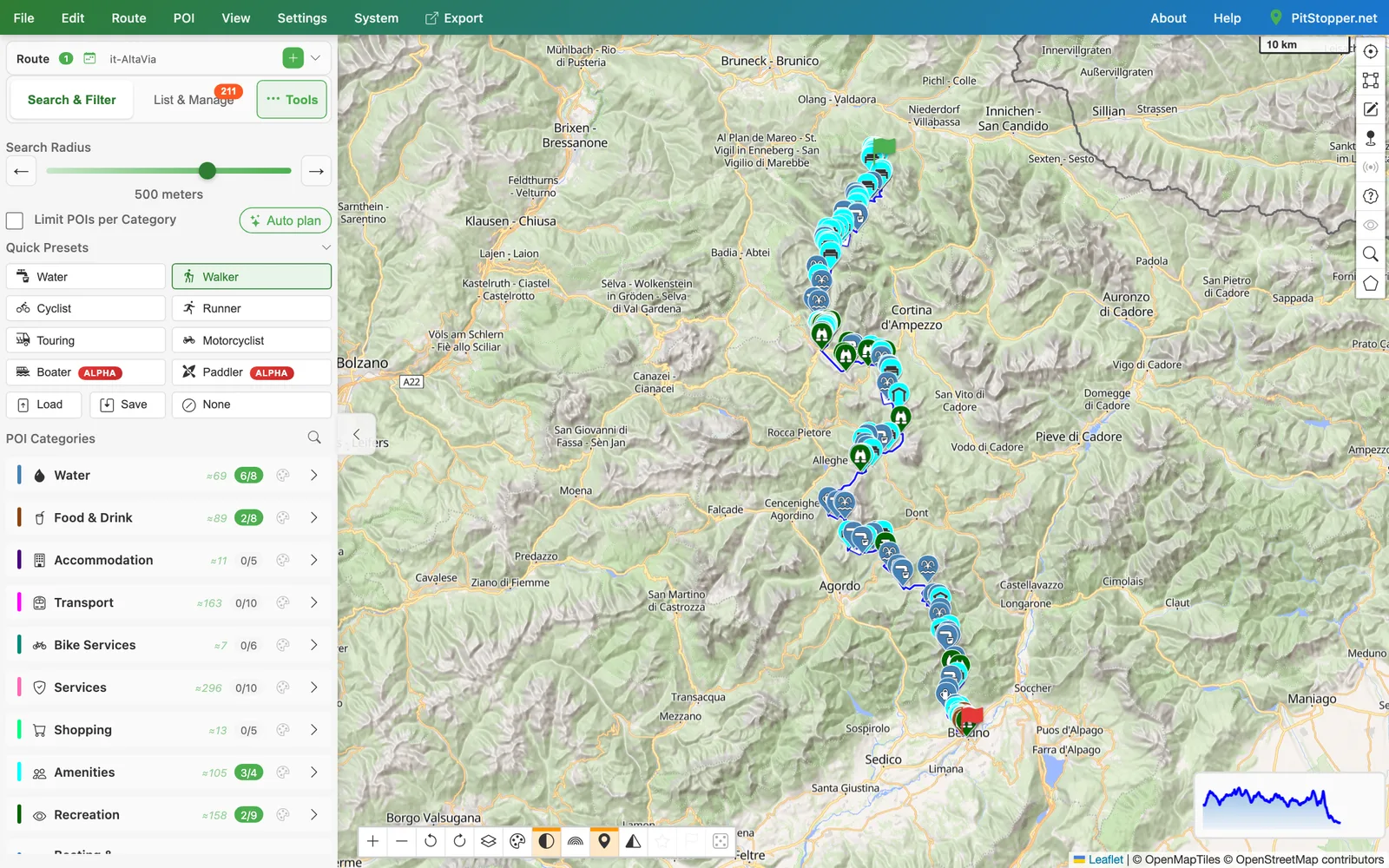
One tap ticks drinking water, springs and taps, pubs and cafes, toilets, benches, viewpoints, picnic sites and shelters.
More in the helpThe planner's Foot activity routes on paths and tracks rather than roads, and times the walk at walking pace.
More in the helpSteep ground slows the estimate and descents speed it up. Set your own pace, or let Pace Maker learn it from a recorded walk.
More in the helpThe elevation profile is coloured by gradient, so the hard sections are visible before you set off.
More in the helpGive it a start time and sunrise and sunset appear as stops along the route, so you can see where the light runs out.
More in the helpExport a GPX with the stops as waypoints (with icons for OsmAnd and Locus), or send the route to the PitStopper On-the-go phone app.
More in the helpOpen Alta Via, Dolomites 119 km of high mountain trail where the water points are a long way apart. Download the GPX.