A canoe profile
Paddle in the planner stays on rivers and canals and treats a weir as a carry rather than a clear run.
More in the helpPitStopper for canoeists and kayakers
On a river the questions change: where can I get in and out, which weirs need a carry, and where do I camp. PitStopper puts those on the map along your route.
This is an early preview. It is already useful, but check what it finds before you rely on it, and tell me what is missing.
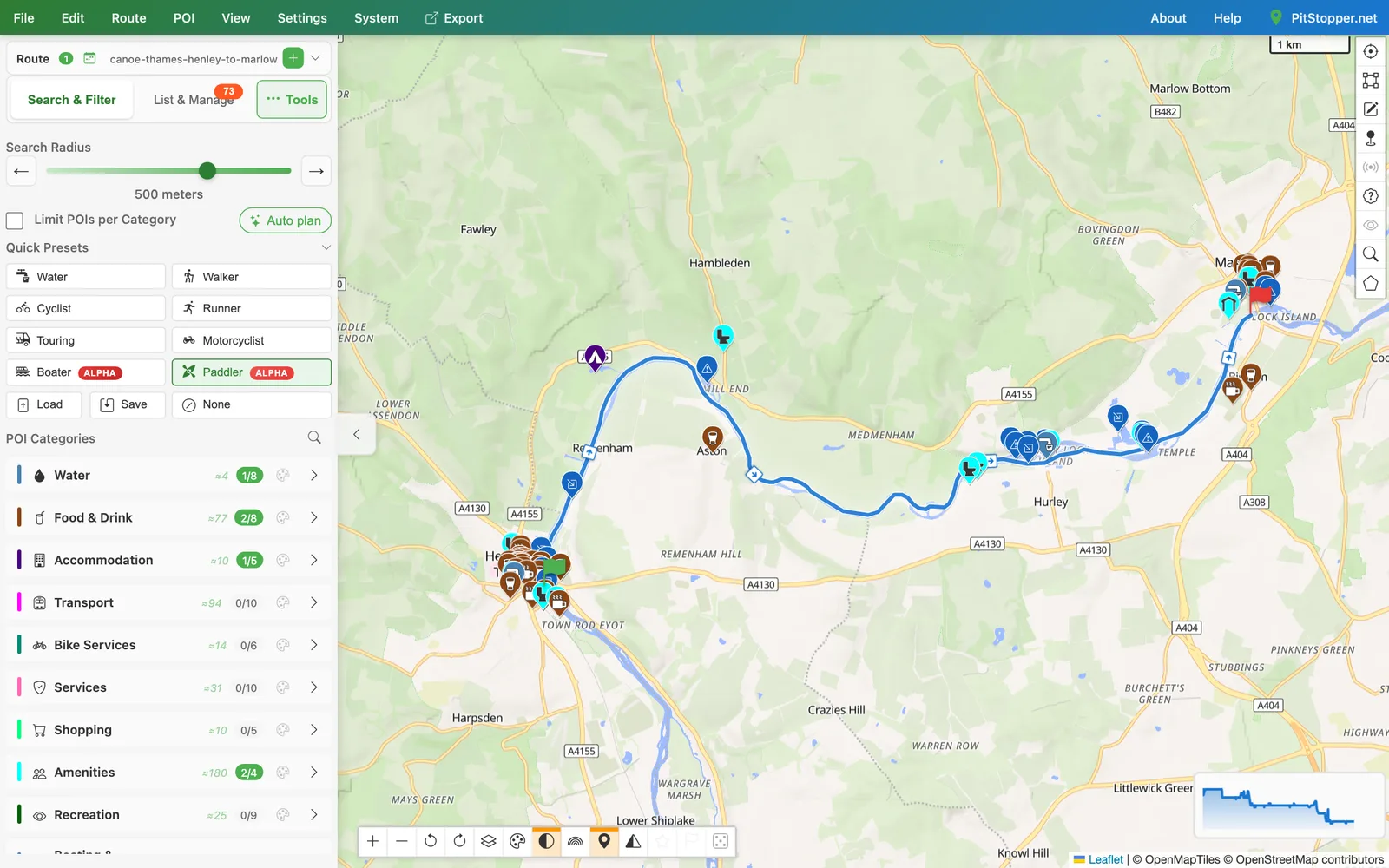
Paddle in the planner stays on rivers and canals and treats a weir as a carry rather than a clear run.
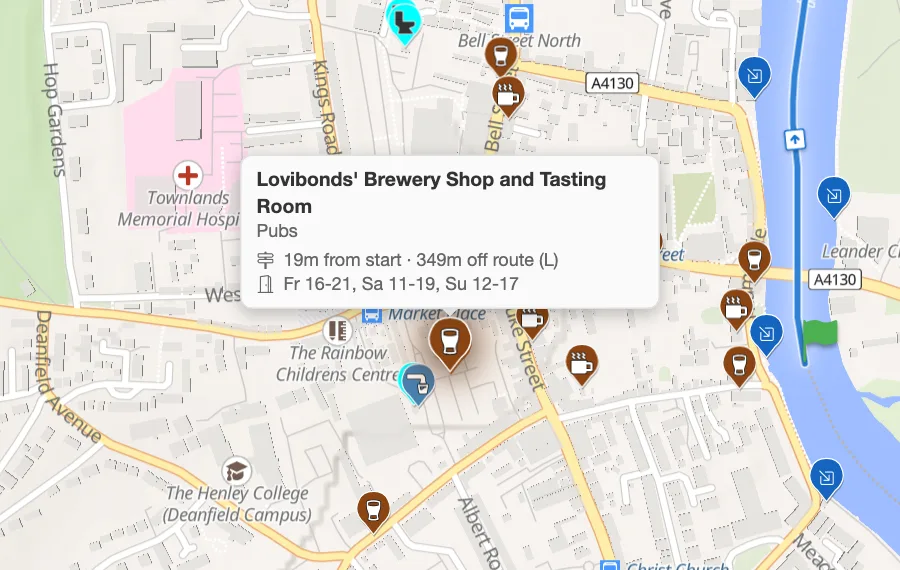
More in the helpSlipways and access points, portages, weirs, drinking water, campsites, pubs, cafes, toilets and shelters, in one tap.
More in the helpWeirs show as hazards and the carry paths around them as stops, so you know before you are above one.
More in the helpA paddle route planned here lists the weirs on it and its nearest put-in and take-out, instead of a hill count.
More in the helpTimes start from a paddling speed, which you can change, and the Clock Time dialog has a Canoe setting.
More in the helpOpen a river GPX in Edit track and it is spotted as a waterway, so a click down the river does not route over the road.
More in the helpOpen The Thames, Henley to Marlow 13 km of the Thames between Henley and Marlow. Download the GPX.