Routing for a boat
Boat in the planner stays on canals and rivers, and avoids a river nobody has marked as navigable.
More in the helpPitStopper for boaters
A cruise on a canal runs on locks, water and pump-outs. PitStopper counts the locks along your route, puts the services where they are, and adds a wait at each lock to the time.
This is an early preview: check what it finds before you rely on it, and tell me what is missing.
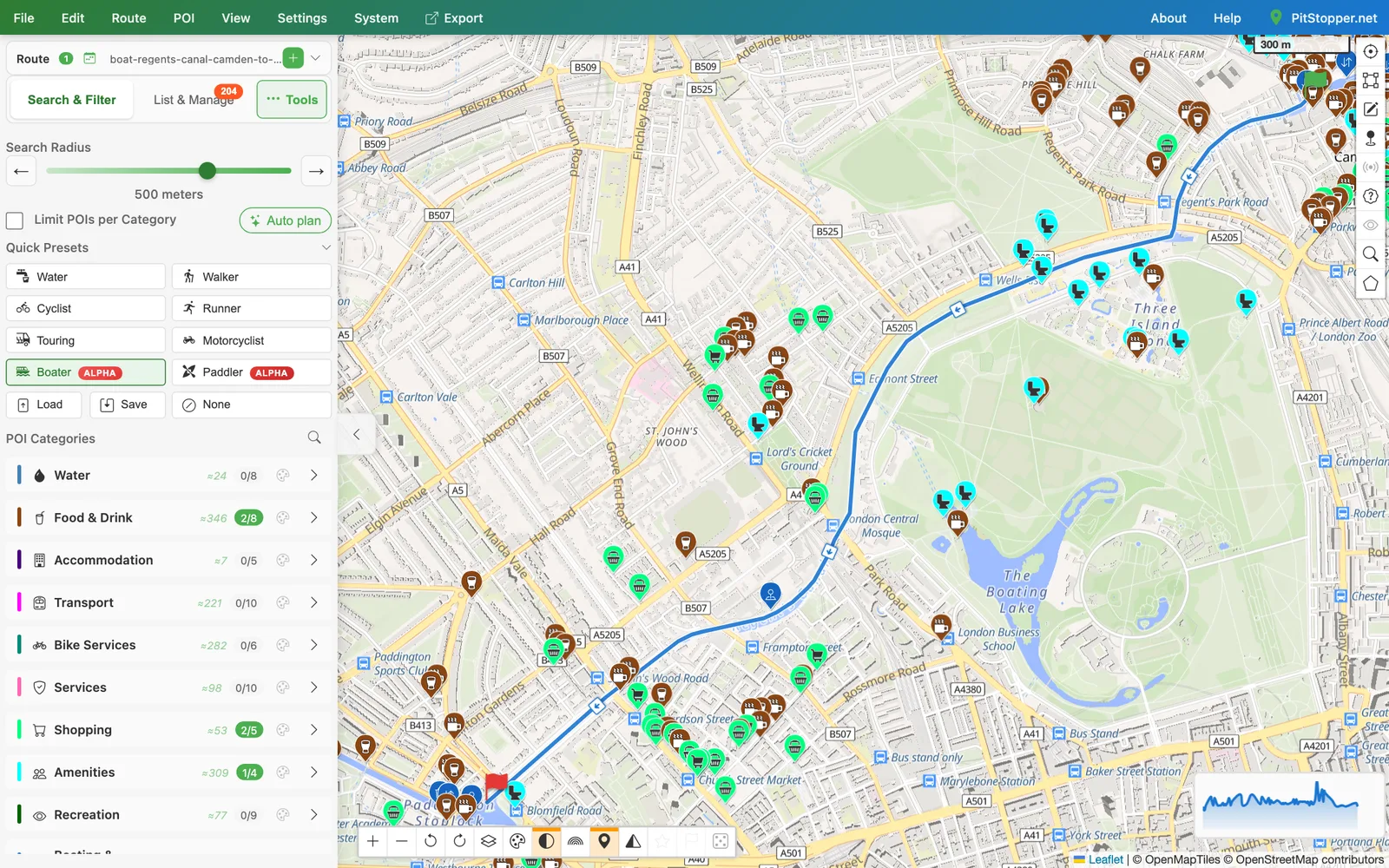
Boat in the planner stays on canals and rivers, and avoids a river nobody has marked as navigable.
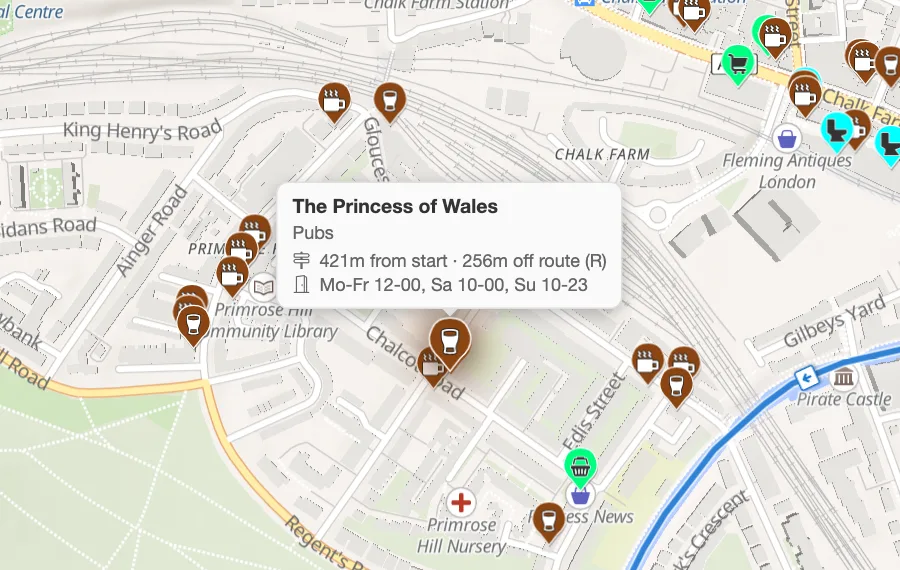
More in the helpLocks, moorings, marinas, water points, pump-outs, boat fuel, chandlers, turning points, pubs, shops and toilets, in one tap.
More in the helpA boat trip planned here gets a route card that counts its locks and its lock-miles, the way canal cruising is measured.
More in the helpOn a boat trip planned here, set the minutes you expect to wait at each lock, and every stop after it arrives later.
More in the helpThe POI graph opens on water points and pump-outs for a boat trip, so the gaps between them are the first thing you see.
More in the helpOpen a canal GPX in Edit track and it is spotted as a waterway and edited as a boat route, never snapped onto a road.
More in the helpOpen Regent's Canal, Camden Lock to Little Venice A short run of London canal, 4 km from Camden Lock to Little Venice. Download the GPX.