Chase the Sun Example
In this walkthrough, we'll use the famous Chase the Sun route - an epic ride from the east coast to the west coast of southern England, completed between sunrise and sunset on the longest day of the year. Let's find some cafes along the way!
1 Load Your GPX File
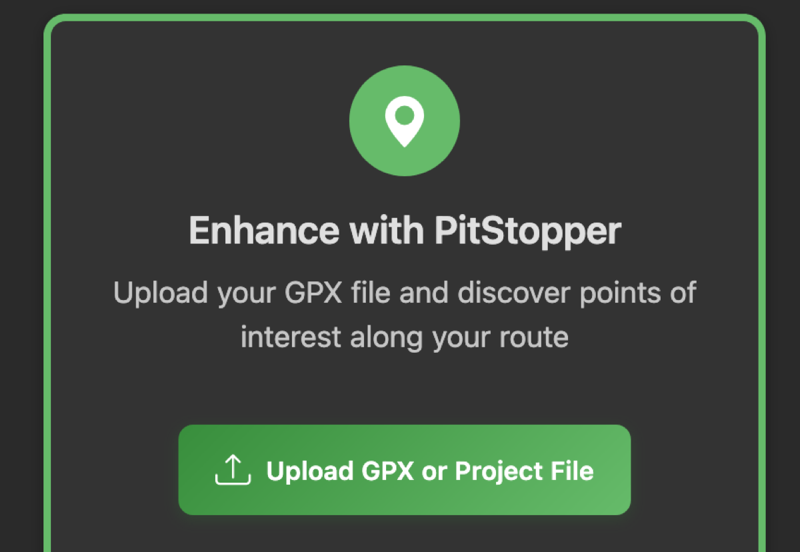
Start by loading your GPX route file. You can drag and drop a file onto the page, click to browse, or paste a URL to a GPX file. Most cycling apps and route planners (Strava, Komoot, RideWithGPS, etc.) can export GPX files.
Click image to enlarge
2 View Your Route
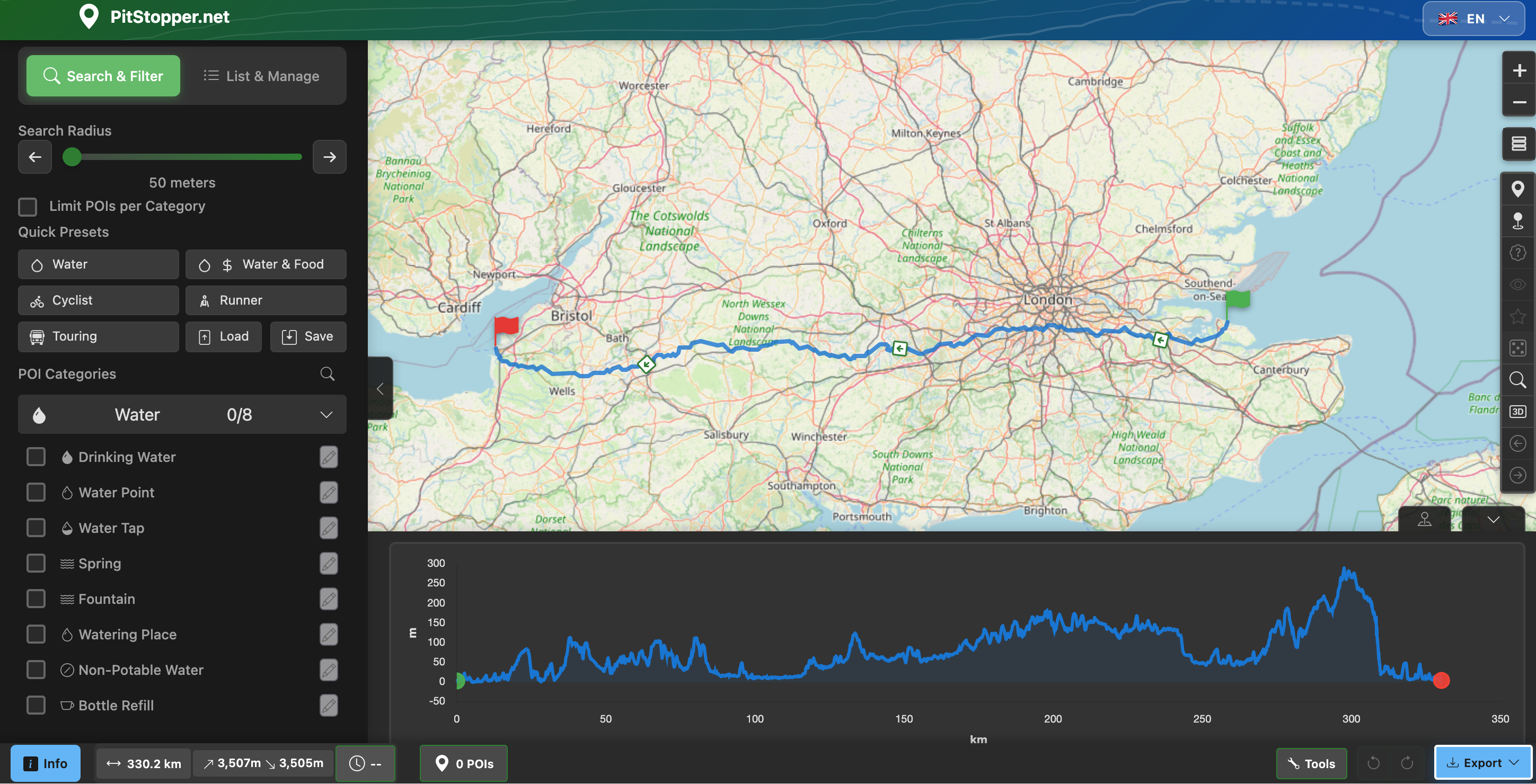
Your route is displayed on the map with an elevation profile at the bottom showing climbs and descents. The left sidebar contains categories of points of interest you can search for - water, food, accommodation, services, and more.
Click image to enlarge
3 Select POI Categories
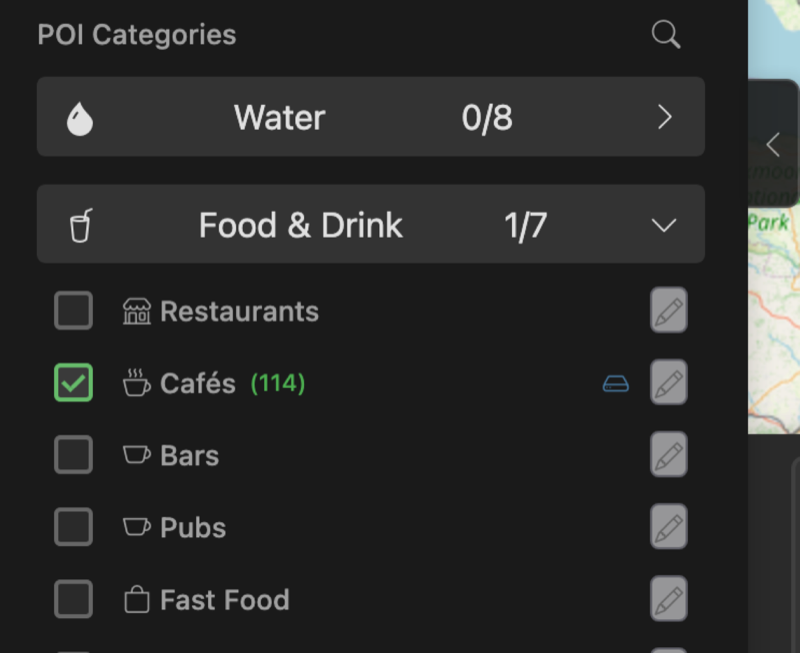
Pick the categories you want to search for. Here we've selected Cafes. The distance slider controls how far from the route to search - keeping it at 500m or less finds places right on your route that won't require a detour.
Click image to enlarge
4 Discover POIs Along Your Route
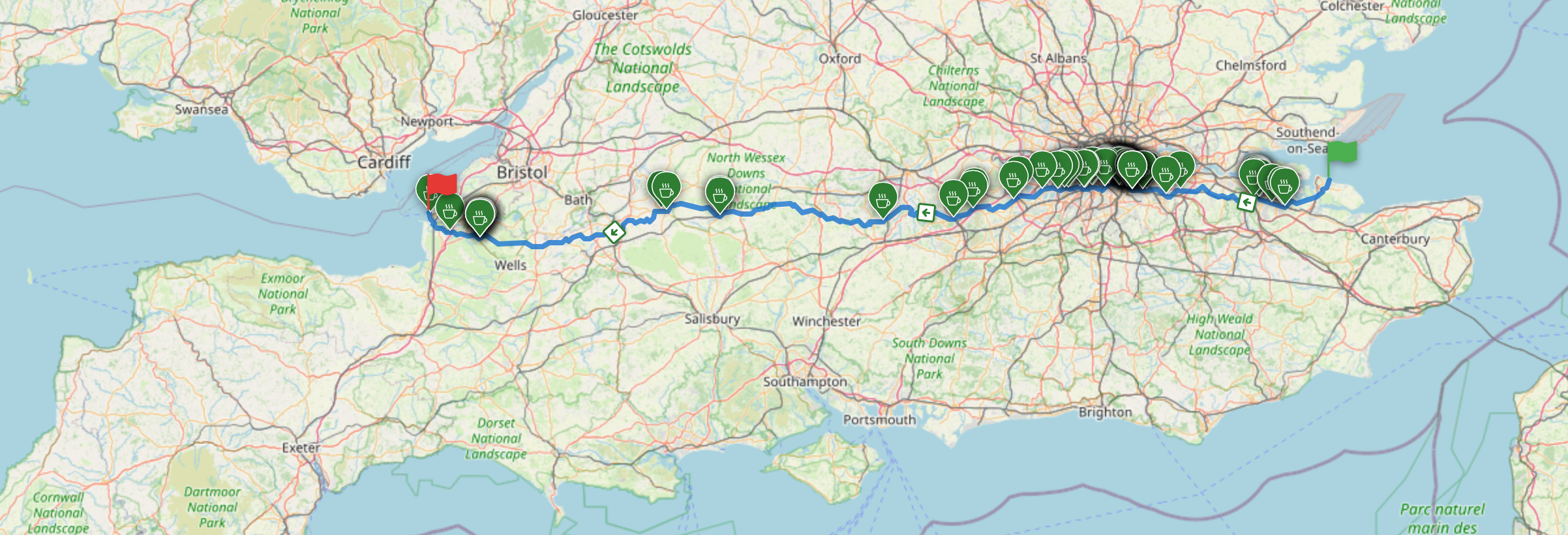
Within seconds, matching POIs appear as markers on your route. You can now explore them, see where they're positioned along the way, and delete any you're not interested in by clicking the marker and removing it.
Click image to enlarge
5 View POI Details
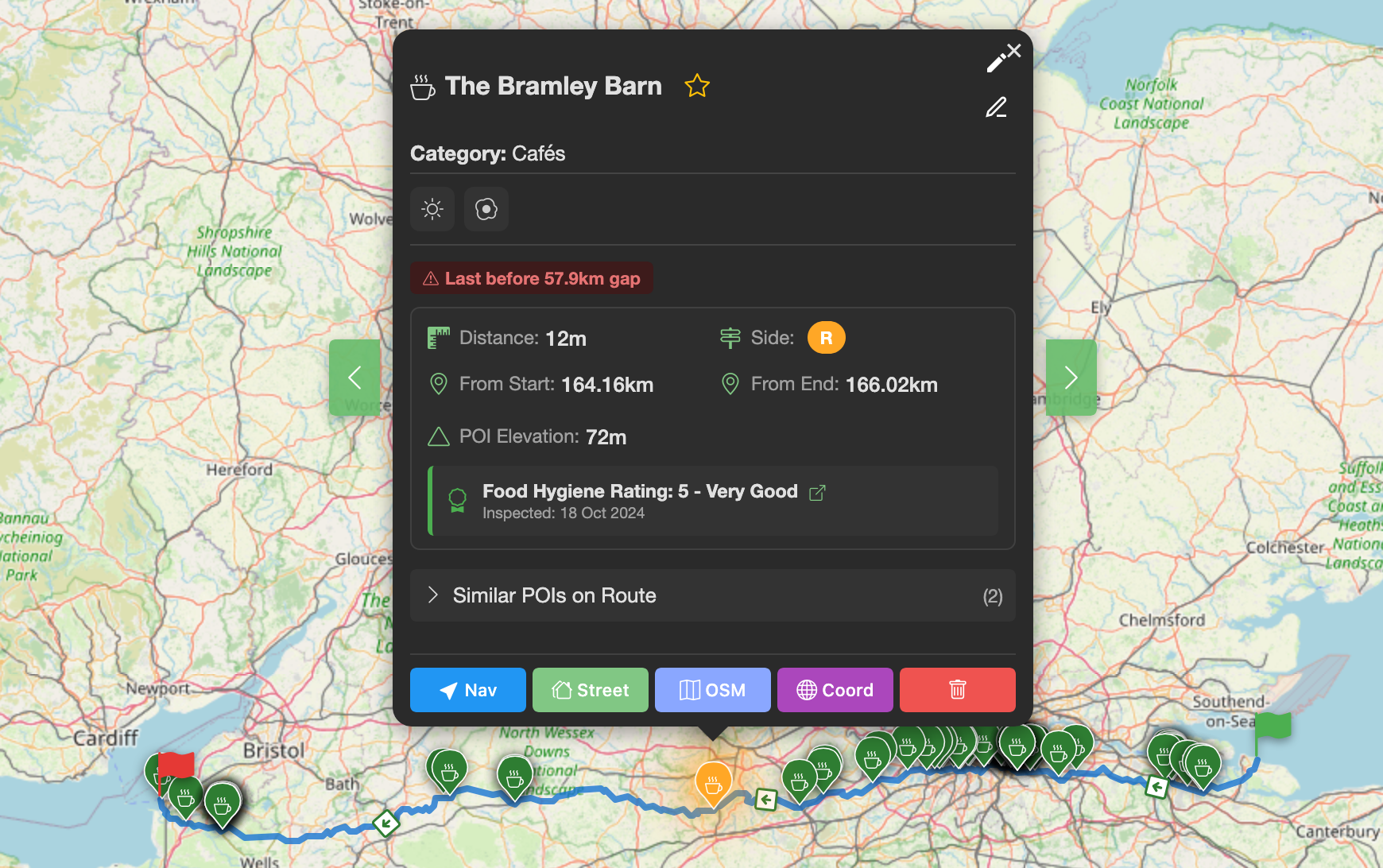
Click any marker to see detailed information: the name, how far along the route it is, distance from the track, and for UK food establishments, the food hygiene rating is automatically fetched. You can also add personal notes, mark starred, or view the location in Google Maps or Street View.
Click image to enlarge
6 Export Your Enhanced Route
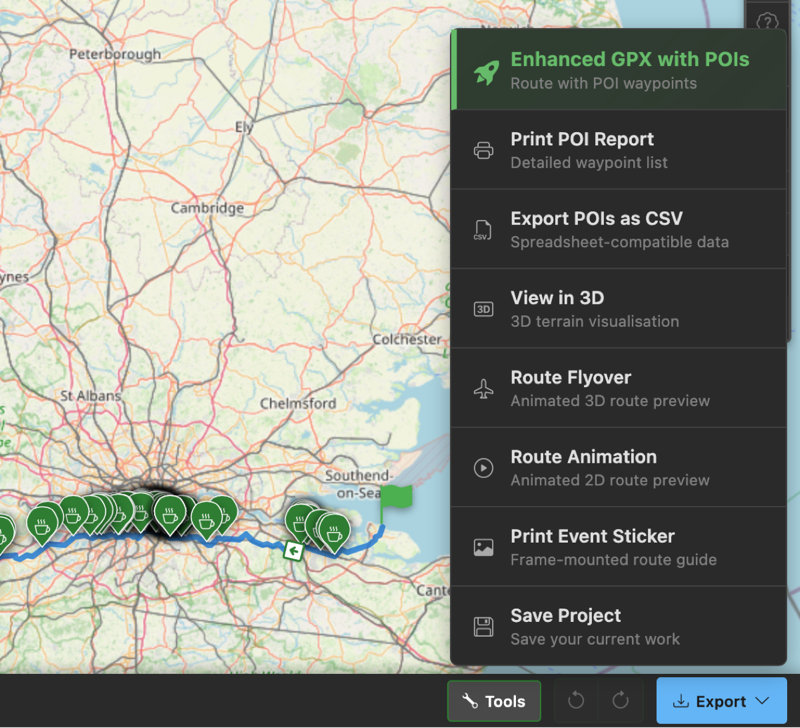
When you're happy with your POI selection, export a new GPX file. This contains your original route plus waypoints for each POI. Most bike computers (Garmin, Wahoo, Hammerhead, etc.) will display these waypoints as you ride, alerting you when you're approaching a cafe or water stop!
Click image to enlarge
7 Explore in 3D
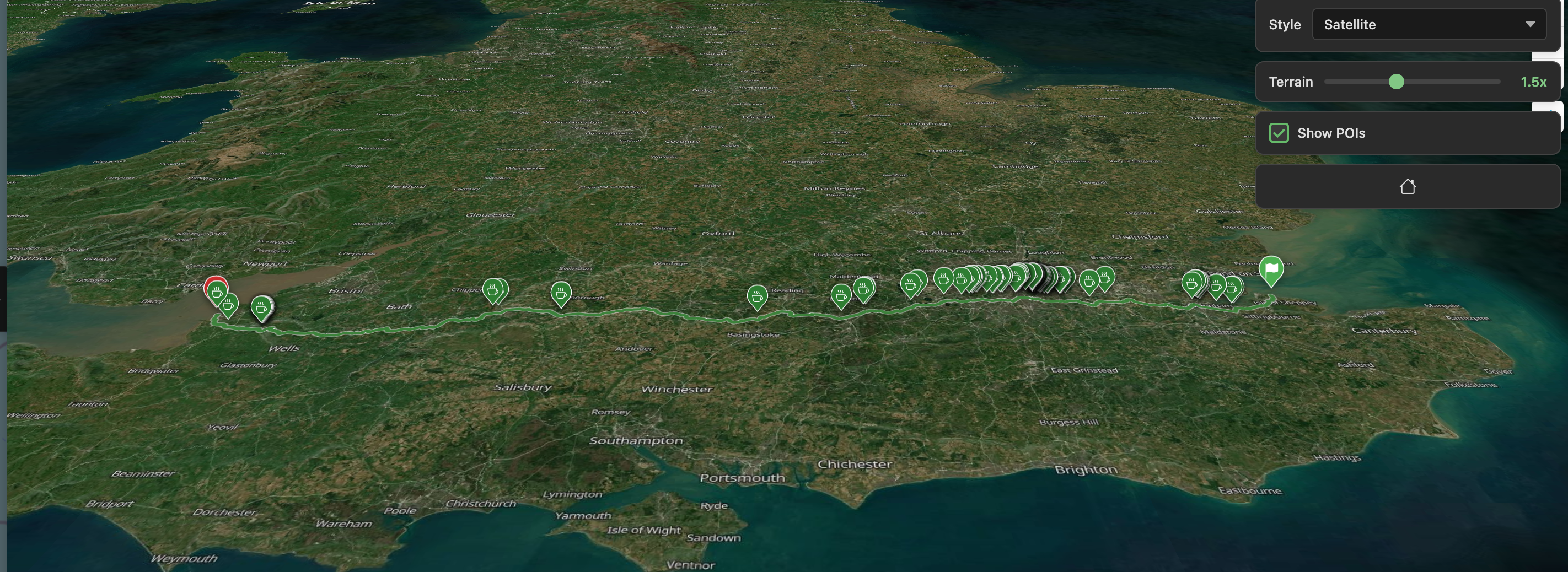
Want to visualise the terrain? Open the 3D viewer to explore your route with elevation. Pan around to see where the climbs are, check out the scenery, and see your POI markers in context with the landscape. Great for getting a feel for what's ahead!
Click image to enlarge
There's Lots More!
We've only scratched the surface. Here are some other features you might find useful:
- Set a start time to see estimated arrival times at each POI
- Search 85+ POI categories - water, toilets, bike shops, B&Bs...
- Filter POIs by distance from route (within 100m, 500m, etc.)
- Create custom presets for your starred category combinations
- Generate a printable cue sheet of your POIs
- Right-click (or long-press on touch) for quick actions
- Save projects to continue planning later
- Use Location Mode to search around a point instead of a route
Ready to Plan Your Route?
Load your GPX file and start discovering points of interest along your journey.
Open PitStopper