Tracks, routes and waypoints: the anatomy of a GPX file
Chapters
About this video
The main points of the article "Tracks, Routes and Waypoints: The Anatomy of a GPX File", animated: a waypoint is one place, a route is a list of points to go through, and a track is the line itself. The maps are drawn for the video, not real places.
Transcript
Open one race file in two apps. One says a hundred and seventy-two kilometres. The other says two hundred and eighty-eight. Same file, read two ways. It holds a track, the course itself, and a route listing the checkpoints. One app shows them as points, the other joins them on as more line. To see why, you need to know what a GPX file can hold.
A GPX file can hold three kinds of location data. A waypoint is a single place, like a water tap or a mountain hut.
A route is a list of points to go through, in order. Your device or app works out the way between them.
A track is the line itself. A series of points showing the exact path, often thousands of them, sometimes just a few metres apart.
They are separate things. A file can hold any mix of them, even several of each.
A router turns a route into a track. It snaps each point to a suitable road, finds the best way between them, and writes the resulting track.
The router can preserve each point you clicked, with a matching point on the road. Its name and other details can go with it.
So what you send matters. Send the track, and your device follows your line. Send the route, and it works out the roads itself, and may choose others.
A file with both can mean two things. A list of stops along the way, like a race's checkpoints. Or the same journey written twice, for a sat nav.
Read those checkpoints as more line, and a hundred and seventy-two kilometres becomes two hundred and eighty-eight.
Different apps use different words for them: track, course, tour, route. So look at the file itself. T R K means track. R T E means route. W P T means waypoint.
Tracks, routes and waypoints. The full guide is on PitStopper dot net.
Where to find this in PitStopper
- Tracks, Routes and Waypoints: The Anatomy of a GPX File - the full article
- GPX Inspector - drop in a file to see the tracks, routes and waypoints it holds
- How to read a GPX file - the rest of a GPX file
More videos
 Your first route with PitStopper, start to finish
4:05
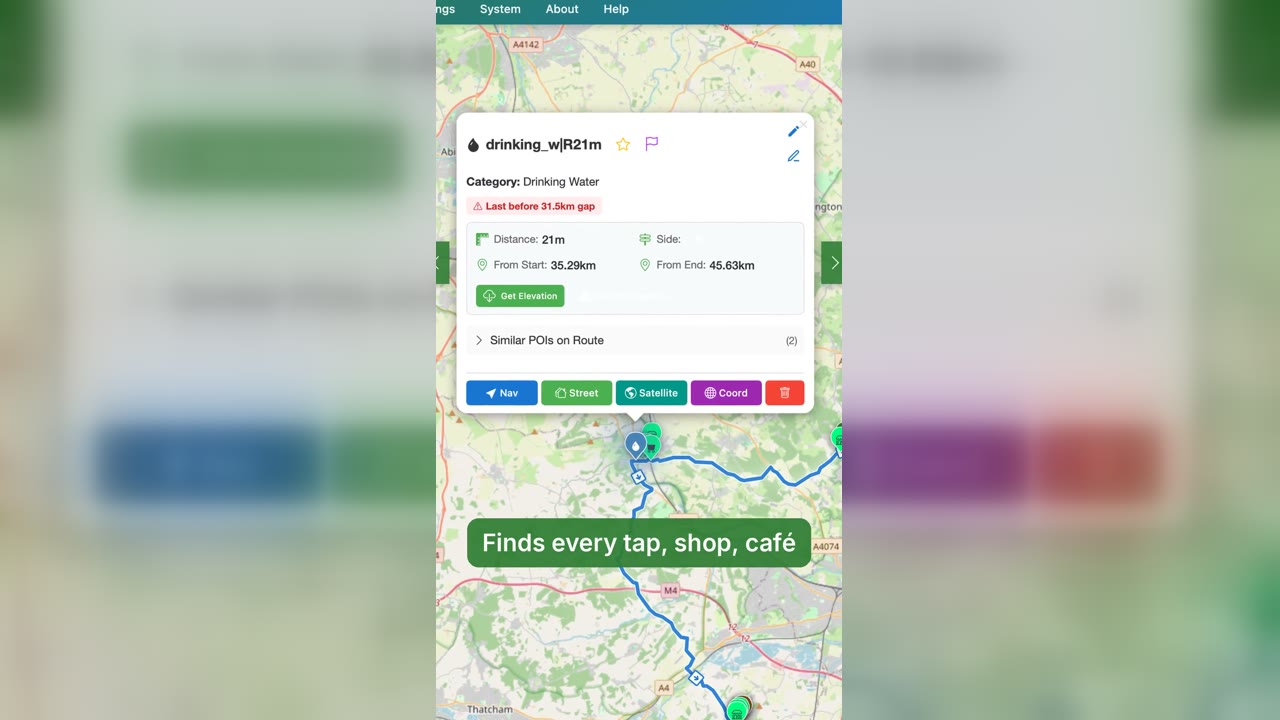 PitStopper in 60 seconds: plan, find water, ride
1:03
 PitStopper trailer: know your stops before you go
0:57
 Eight things PitStopper does that most route planners leave out
1:28
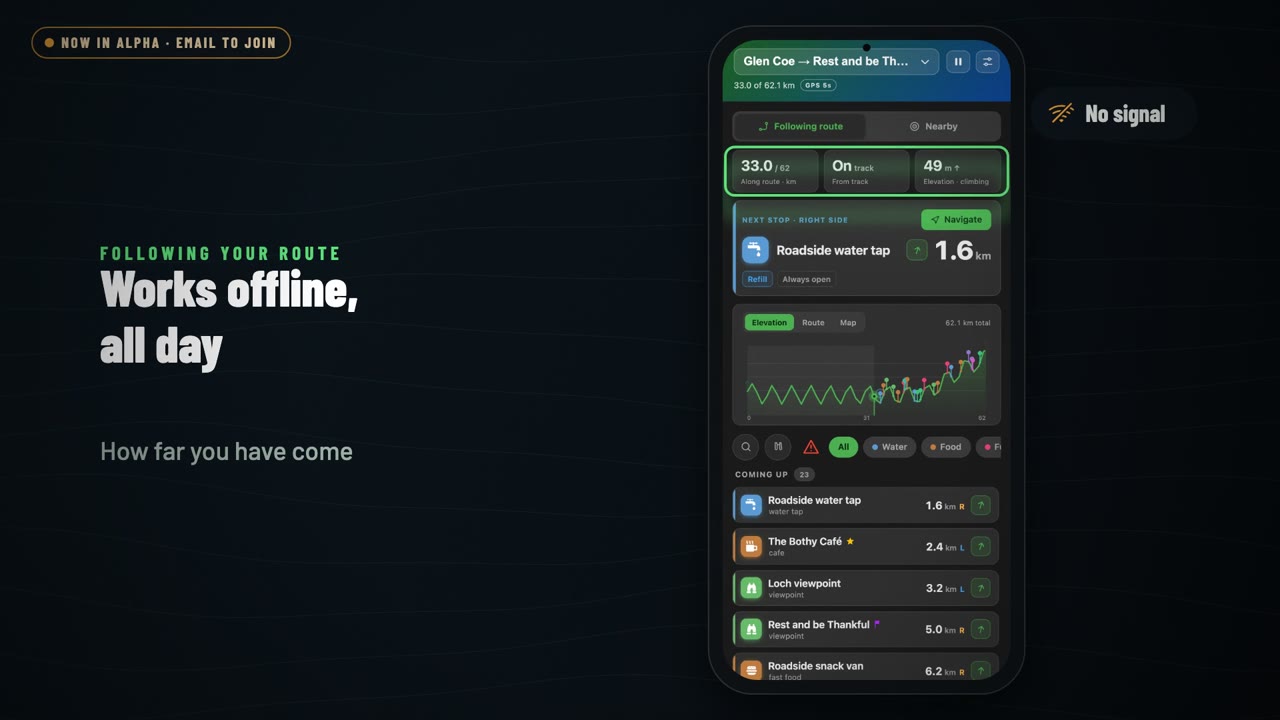 PitStopper On-the-go: a tour of the Android app
1:36
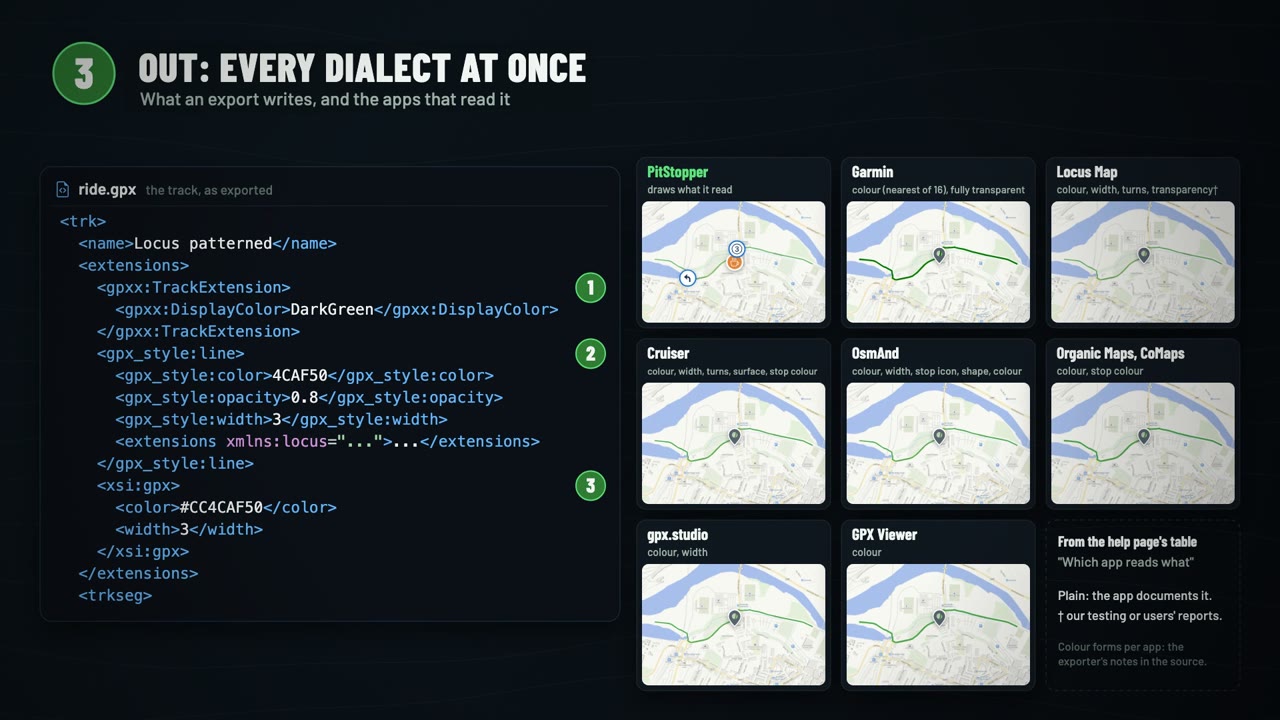 What's inside a GPX file, and how PitStopper reads the extras
3:00